
Why Your AC Runs Constantly: Understanding Heat Transfer Degradation and Cooling Cycles
Why is your AC running constantly? We explain heat transfer degradation. Use our local service expertise and area tips to decide when to call a pro on this.



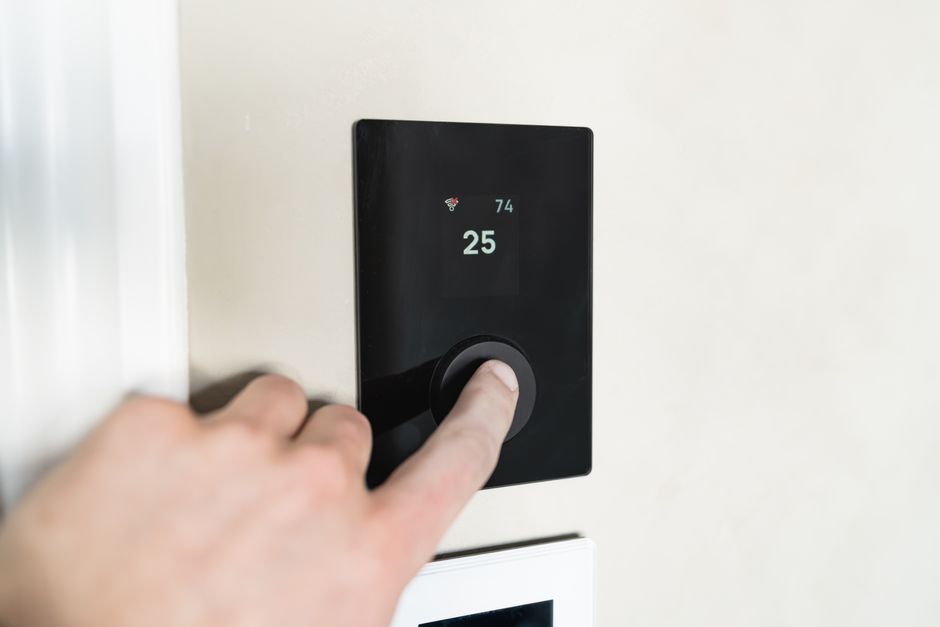
Understanding how a smart thermostat reduces energy bills starts with one simple fact: nearly half of your annual energy costs go straight to heating and cooling. For most Sacramento-area homes, that adds up to well over $900 a year — and a significant portion of that gets wasted on empty rooms, forgotten schedule changes, and thermostats that nobody ever programmed correctly.
Here is a quick breakdown of how smart thermostats cut those costs:
• Adaptive learning — the thermostat studies your daily routine and builds a schedule automatically, no manual programming required
• Geofencing — uses your phone's GPS to detect when you leave home and shifts to an energy-saving mode without you touching a thing
• Occupancy sensing — motion sensors detect empty rooms and reduce heating or cooling in unused spaces
• Remote control — adjust your home's temperature from anywhere via a smartphone app, so you stop heating or cooling a house you won't return to for hours
• Time-of-use scheduling — pre-cools or pre-heats your home during off-peak electricity hours to avoid expensive peak-rate charges
• Demand response integration — automatically responds to utility grid signals during high-demand periods, often earning bill credits in return
• Energy usage reports — shows you exactly when and where you're using the most energy so you can make smarter decisions
According to ENERGY STAR, certified smart thermostats save users an average of 8% on their utility bills, with some households cutting heating and cooling costs by up to 20% annually. Independent data puts average annual savings between $131 and $145, with payback periods as short as nine months when utility rebates are factored in.
For homeowners in Sacramento, Elk Grove, Folsom, and the surrounding areas, where summer cooling loads are heavy and PG&E or SMUD time-of-use rates apply, the savings potential is especially strong. But the device alone does not do all the work — setup, compatibility, and how you actually use the features make a big difference in whether you see those numbers on your bill.
This guide walks you through exactly how the technology works, what affects your real-world savings, and what to know before installing one in your home.

Many homeowners wonder if upgrading their climate control is worth the effort. When you look at the raw numbers, the answer is a resounding yes. But to understand why, we have to look at the psychology of home energy use. The truth is, smart thermostats save money primarily by correcting human behavior rather than through some secret, magical engineering.
We all have the best intentions. We promise ourselves we will turn down the heat before leaving for work or raise the AC limit before heading out to dinner in Roseville. In reality, we get distracted, we rush out the door, and our HVAC systems run at full blast for an empty house. Automation removes the human element from this equation. By utilizing machine learning, occupancy sensors, and geofencing, these devices make decisions on your behalf to keep your system running only when it actually needs to.
If you have ever asked yourself, Can a Smart Thermostat Really Save Me Money, the answer lies in how these automated systems work together to eliminate energy waste without sacrificing your personal comfort.
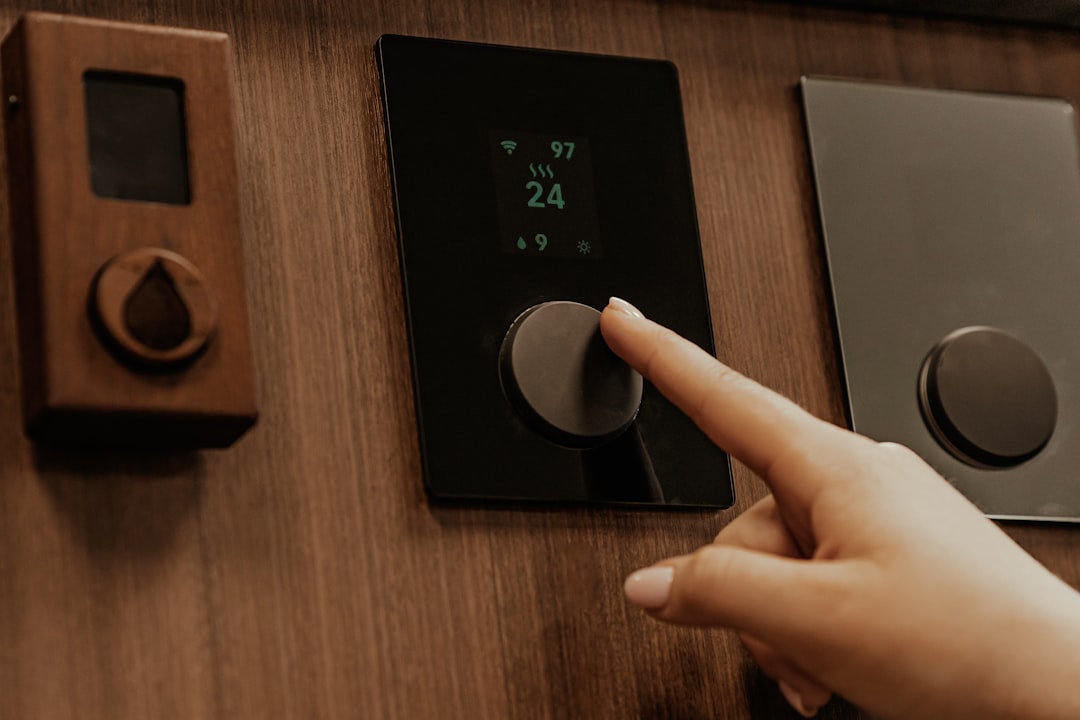
One of the most impressive features of modern smart thermostats is adaptive learning. Instead of forcing you to sit down and program a complex 7-day schedule, a learning thermostat monitors your manual adjustments over the first week or two of installation.
For example, if you consistently turn the temperature down to 68°F at 10:00 PM when going to bed, and raise it to 72°F at 7:00 AM, the device recognizes this pattern. It automatically builds a customized schedule around your natural habits.
More importantly, it optimizes temperature setbacks during the day. The U.S. Department of Energy states that turning your thermostat back 7 to 10 degrees for 8 hours a day can save you up to 10% a year on heating and cooling. A smart thermostat ensures these setbacks actually happen when you leave for work, saving you from having to remember to do it yourself. To learn more about setting your target temperatures for maximum efficiency, check out our guide on How to Set Your AC Thermostat Properly and More Money Saving Tips.
While learning algorithms handle your typical daily routine, geofencing and occupancy sensing handle the unexpected changes in your life.
Geofencing connects your smart thermostat to your household's smartphones via GPS. You can establish a virtual boundary (a "geofence") around your property. When the last smartphone leaves this boundary, the thermostat automatically switches to "Eco Mode" or a low-power standby state. When a family member crosses back into the boundary on their way home, the thermostat kicks back on, ensuring the house is perfectly comfortable by the time they walk through the door.
For family members without smartphones, or for busy households with irregular schedules, built-in motion and occupancy sensors serve as a backup. If the thermostat doesn't detect physical movement in your main living areas for a set period, it assumes the house is empty and adjusts the temperature accordingly. This prevents you from paying to heat or cool an empty home simply because your schedule changed.
It is a common misconception that a smart thermostat is just a programmable thermostat with a prettier screen. While both allow you to set temperature schedules, their real-world performance and ease of use are worlds apart.
• Scheduling — Manual Thermostat: None (Manual adjustment only) — Programmable Thermostat: Static (Must be programmed manually) — Smart Thermostat: Dynamic (Learns habits & auto-programs)
• Remote Access — Manual Thermostat: No — Programmable Thermostat: No — Smart Thermostat: Yes (Via smartphone, tablet, or voice)
• Occupancy Detection — Manual Thermostat: No — Programmable Thermostat: No — Smart Thermostat: Yes (Geofencing & motion sensors)
• Grid Integration — Manual Thermostat: No — Programmable Thermostat: No — Smart Thermostat: Yes (TOU rates & demand response)
• Weather Tracking — Manual Thermostat: No — Programmable Thermostat: No — Smart Thermostat: Yes (Adjusts based on local forecast)
• Usage Reports — Manual Thermostat: No — Programmable Thermostat: No — Smart Thermostat: Yes (Detailed energy insights)
Traditional programmable thermostats have been around for decades, yet they rarely deliver on their promised energy savings. Industry data reveals that nearly 50% of households with programmable thermostats never actually set them up. Furthermore, a consumer survey conducted in February 2025 showed that 29% of programmable thermostat owners do not use the scheduling features at all.
The reason is simple: the user interfaces are notoriously frustrating. Programming a traditional thermostat often involves squinting at a tiny, unlit LCD screen and pressing a sequence of confusing buttons. If your schedule changes—such as a school holiday or a day working from home—overriding the program is often complicated. Many users get so frustrated that they permanently place the unit on "Hold," essentially turning a costly programmable thermostat back into a basic, inefficient manual model.
Smart thermostats solve the usability crisis by moving the control system to your smartphone. Programming a schedule is as simple as dragging your finger across an app. If you need to make an emergency adjustment because you are staying late at the office, you can do it in seconds from your desk.
Additionally, smart thermostats use real-time weather tracking to optimize your HVAC runtimes. On a mild spring day in Sacramento, the thermostat knows it doesn't need to work as hard to heat or cool your home, and it adjusts its cycles accordingly. Over-the-air software updates also ensure that your device is always running the latest, most efficient energy-saving algorithms without you ever having to lift a finger.
To get the most out of these advanced features, your thermostat must be reading your indoor air temperature accurately. If your thermostat is reading the wrong temperature, your system may run longer than necessary, driving up your bills. If you suspect your system is working harder than it should, professional Thermostat Calibration Folsom CA can ensure your smart device is getting highly accurate readings.
Investing in a smart thermostat is one of the fastest ways to see a return on your home improvement dollar. While top-tier smart thermostats require an upfront investment, local utility programs and rebates can significantly lower your out-of-pocket costs, dramatically shortening your payback period.
For homeowners living in our service areas—including Sacramento, Elk Grove, Citrus Heights, and Roseville—local utility providers offer generous incentives to help you make the switch to smart technology.
Organizations like the Sacramento Municipal Utility District (SMUD) and Pacific Gas and Electric (PG&E) frequently offer rebates ranging from $50 to $125 for qualifying ENERGY STAR certified smart thermostats. In some cases, income-qualified programs through these utilities may even cover the entire cost of the device and installation. Additionally, state-level initiatives like TECH Clean California offer incentives for installing energy-efficient home controls, especially when paired with modern heat pump upgrades.
To make sure you don't leave any money on the table, review our comprehensive guides on SMUD and PGE Rebates for Sacramento Area Homeowners and learn step-by-step How to Apply for Energy Rebates in California.
One of the biggest hidden advantages of a smart thermostat is its ability to navigate Time-of-Use (TOU) utility rates. In Northern California, electricity costs much more during "peak hours" (typically 4:00 PM to 9:00 PM) when the regional grid is under the heaviest strain.
Smart thermostats can automatically integrate with your utility provider's TOU schedule. Using a strategy called "pre-cooling" or "pre-heating," the thermostat will run your air conditioner or furnace a few hours before the peak window begins, when electricity rates are low. Once the peak window hits, the thermostat allows the indoor temperature to drift slightly, minimizing HVAC runtime during the most expensive hours of the day. This simple load-shifting strategy can add an extra $200 to $300 in annual savings on top of standard scheduling features.
While installing a smart thermostat is a highly rewarding project, compatibility with your existing heating and cooling system is crucial. If a thermostat is wired incorrectly, it can damage your HVAC system or fail to save you any money at all.
The most common hurdle during installation is the "C-wire" (or common wire). Traditional thermostats run on simple AA batteries or draw low-voltage power directly from the heating and cooling wires. However, smart thermostats feature bright color screens, continuous Wi-Fi connections, and complex computer processors, all of which require a steady, dedicated stream of 24V power.
This continuous power is delivered through the C-wire. Many older homes in Sacramento and surrounding areas do not have a C-wire installed behind their existing thermostat wall plate. If you do not have a C-wire, you have a few options:
• Use a Power Extender Kit (PEK) or C-wire adapter, which is included with some smart thermostat brands.
• Have a professional HVAC technician run a new common wire from your furnace control board to your thermostat location.
• Choose a model specifically designed to work without a C-wire (though these can sometimes cause "power-stealing" issues that cycle your furnace unexpectedly).
Before making a purchase, check out our Thermostat Installation Sacramento CA Guide to understand your home’s wiring requirements.
It is also important to match your smart thermostat to your specific type of HVAC system. Standard systems are relatively straightforward, but if your home utilizes a multi-stage system, a heat pump with auxiliary heat, or a zoned system with dampers, the wiring becomes much more complex.
For example, variable-speed heat pumps and air conditioners operate most efficiently when running continuously at low speeds. A smart thermostat must be properly calibrated to communicate with these variable-speed systems. If configured incorrectly, the thermostat may cycle the system on and off too frequently, which destroys your energy efficiency and places unnecessary wear and tear on your equipment. Professional calibration ensures that your smart thermostat and HVAC system work in perfect harmony.
Yes, smart thermostats are compatible with approximately 95% of residential 24V heating and cooling systems. This includes gas furnaces, central air conditioners, heat pumps, and electric systems. However, they are generally not compatible with high-voltage line-voltage systems (such as electric baseboard heaters) unless you install a specialized adapter. If your system is older, a professional inspection can confirm compatibility before you invest in a new device.
For the average homeowner, a smart thermostat pays for itself in roughly 12 to 18 months. If you purchase a standard $150 to $200 smart thermostat and save the average $145 per year, the payback period is just over a year. However, if you take advantage of a $75 SMUD or PG&E utility rebate, your net out-of-pocket cost drops significantly, reducing your payback period to as little as 6 to 9 months.
While rare, a smart thermostat can increase your energy bills if it is set up incorrectly. The most common culprit is auxiliary heat management on heat pump systems. If the thermostat is not configured to recognize a heat pump, it may call for "Auxiliary Heat" (which uses highly inefficient electric resistance heat strips) too early during cold mornings, driving up your electric bill. Constant manual overrides and setting extreme temperature setbacks (more than 10 degrees) can also force your system to run inefficiently to recover, erasing your potential savings.
Upgrading to a smart thermostat is one of the smartest, most cost-effective moves you can make for your home's comfort and your monthly budget. By automating your temperature schedules, utilizing geofencing, and taking advantage of time-of-use rates, you can easily trim 8% to 15% off your total HVAC energy consumption.
At Always Affordable Plumbing & HVAC, we are proud to help homeowners across Sacramento, Elk Grove, Roseville, Folsom, and the surrounding communities maximize their home comfort and energy efficiency. Our team of licensed, professional technicians can handle everything from verifying your system's wiring compatibility to running a new C-wire and ensuring your new thermostat is calibrated perfectly for your specific HVAC system.
Ready to start saving? Schedule your professional smart thermostat installation with Always Affordable Plumbing & HVAC today, and let us help you take control of your utility bills!
See what our satisfied customers have to say about their experience with Always Affordable
Plumbing & HVAC.

"Chappy was very skilled in his knowledge of my HVAC unit. I greatly appreciate the quick response and experienced tech. The whole endeavor was made less stressful by his humor and honest conversation. I find comfort in knowing I now have a shop i trust for the next time."
"Tony, James, Ronnie did an amazing job setting up our new AC! They were quick, efficient, considerate, and polite! We appreciate them scheduling us in on such short notice. Definitely recommend this company!"
"Prompt, professional service with kindness and care. They came out to address both plumbing and AC issues. I received a courtesy call before they arrived. All issues were resolved the same day with integrity and respect. Thankful for businesses like this. Absolutely recommend to those that I love."
"Excellent service! Jason came out promptly and in addition to doing my outside faucet he also put in new irrigation equipment! All done perfectly! Jason was lovely"
"Honest with the assessment; friendly and good manners. No high pressure sales. Just good to honest "tell it like you see it" Thought my kitchen disposer needed an overhaul. But Jason, there Plumber gave me an honest lesson on what was really happening. Saved me hundreds, if I went the route of replacing. Thank you!"
"Absolutely 5 stars. If you are looking for affordable ,professional and kind. Chappy was excellent and very knowledgeable . I called in the morning because my air conditioner stopped working he was here within hours and fixed my air with a smile. I highly recommend Chappy and Always Affordable plumbing and Hvac."
"Scott and James were great. They got there quickly and diagnosed the problem with my A/C.They did a very thorough job testing everything. Sent me pictures and called to keep me informed. Got it done the next day and everything is working fine. Be glad when I get home so I can enjoy my new system. Thanks guys for a great job."
"Chappy was very helpful. He knew our issue right away, cleaned our coils. He also came on the same day we called and got our AC blowing cold air again."
"After some timing ’curfuffles’ the Tech Jason arrived and not only completed a speedy install on my toilet, he was personable & professional. Because of the timing issues Jason was attentive and showed up with everything needed! No extra store runs 😊 I was very comfortable with having this Tech in my Daughter’s home. We will definitely use this Service again."


